AirDrop Quest Gacha Guide — A New Feature to Win Bonus Points Using Your Points
JAPANDAOSolution
Smart Pocket Magazine
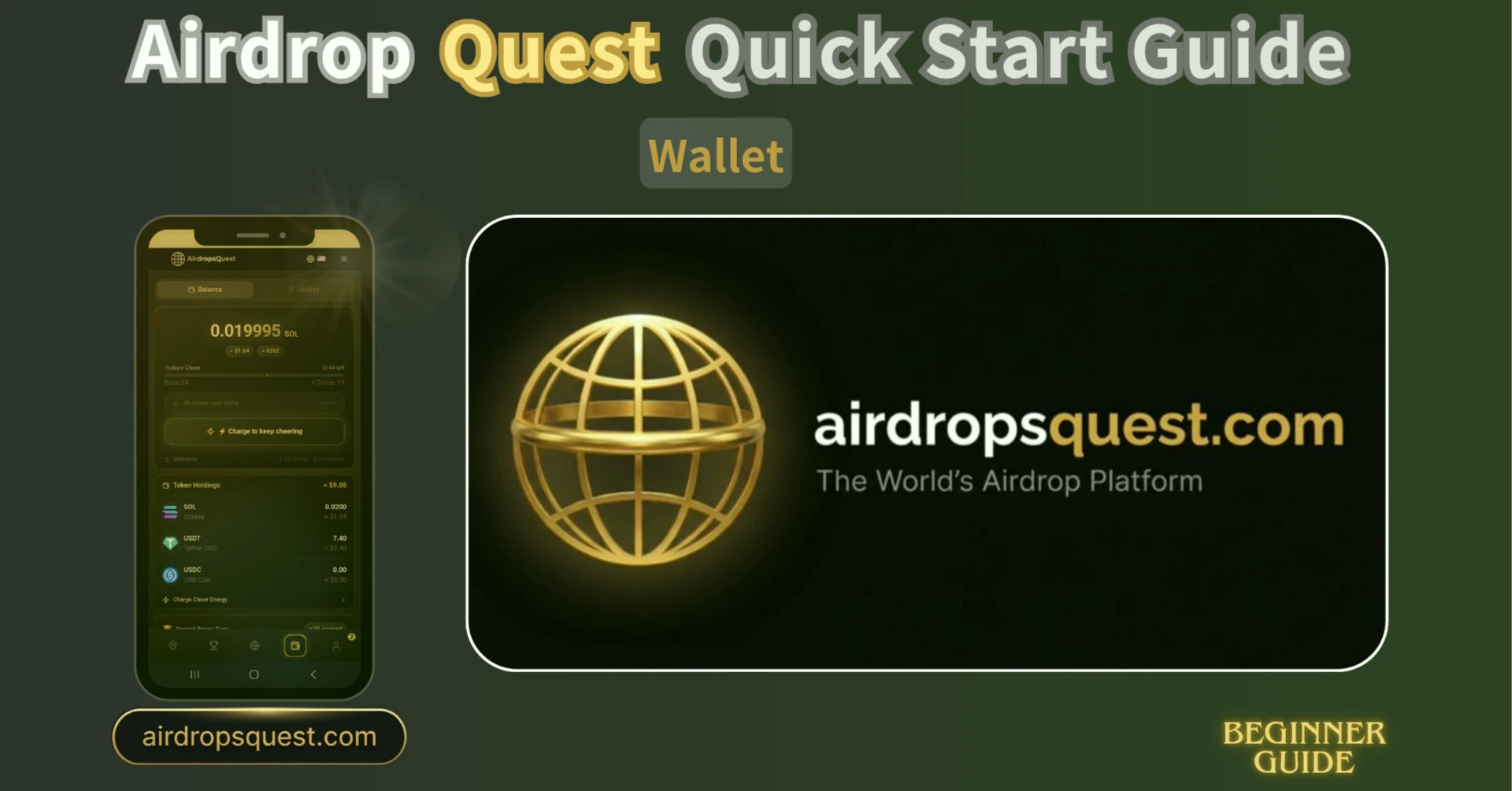
The “Wallet” tab in AirDrop Quest is a core page for managing your assets, cheer energy, and transaction history.
It is divided into two main sections: “Balance” and “History.”
You can access the page using the following two methods:

① Click the Wallet icon in the bottom menu
② Open the ≡ menu in the top-right corner and select “Wallet”
On the “Balance” page, you can check your current asset status and cheer usage.
The following information is displayed at the top of the screen:

👉 You can clearly see how many cheers you have left today, including any additional charged amount.
Your current remaining Cheer Energy (Charge) is displayed.
This allows you to see how much purchased energy remains unused.

The “⚡ Cheer” button is displayed in the center.
By tapping it, you can send cheers to your friends.

● The page can be switched between these two views:

● You can also check your remaining cheer count at the top.

● If you use up your daily cheer count, you can purchase additional charges via “Charge to keep cheering.”
For details about additional purchases, please refer to the “Cheer Boost” article.
If you want to transfer assets to another wallet, follow these steps:

⚠️ Once executed, the withdrawal cannot be canceled.
At the bottom of the page, your current holdings are displayed:

The equivalent value in USD is also shown for each asset.
At the very bottom of the page:
👉 “Charge Cheer Energy”

From here, you can move to the Cheer Energy purchase page.
(This has the same function as “Charge to keep cheering” mentioned in section ③.)
Additional Cheer Energy will be awarded depending on the deposit amount:

Deposit Amount Bonus
👉 The higher the deposit amount, the greater the bonus.
A dedicated wallet address and QR code are displayed for deposits.

How to deposit:
⚠️ Note: SOL, USDT, and USDC must all be transferred via the Solana chain (SPL).
In the “History” tab, you can view all transaction records.

You can switch between the following categories:

Each record displays the following information:

👉 This allows you to track the complete flow of your funds.
The Wallet tab serves as the core hub for asset and energy management:
If you want to increase your points and cheer opportunities more efficiently, this page will be your most important operational hub 🚀