Airdrop Quest Quick Start Guide(Profile)
JAPANDAOSolution
Smart Pocket Magazine
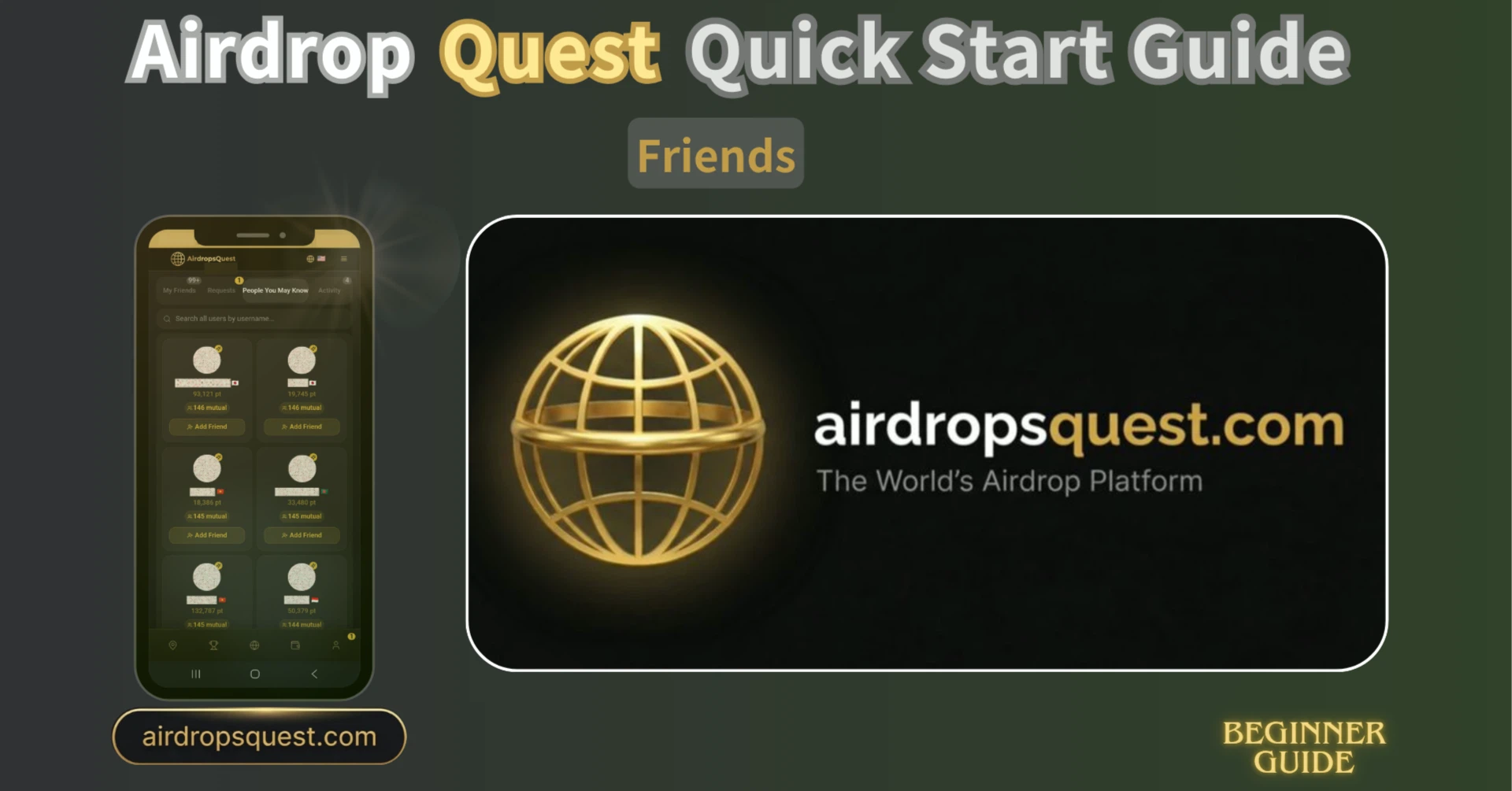
The “Friends” tab in AirDrop Quest is a feature for managing connections between users. Integrating an SNS-style friend system into an airdrop platform is quite rare, and it plays an important role as it directly contributes to point earning.
You can access the “Friends” page using the following steps:

The Friends page consists of four tabs:
A list of approved friends is displayed.
You can search by username across all users or within your friends list.

If you don’t have any friends yet, a “Find people you may know →” button will be shown, allowing you to find friends right away.

This tab allows you to view and manage incoming friend requests.
Each request includes “Accept” and “Reject” buttons, making it easy to respond with a single tap. You can also accept requests individually or approve them all at once.

One key feature is the “Today’s Friend Bonus.”
Requests from users who have completed X verification are marked with no bonus limit, meaning you can earn points simply by accepting requests. The number of rewards already received is also displayed, so you can easily track how many bonuses you can still claim.

This tab displays recommended users ranked by score.
Each user’s total points and country flag are shown, allowing you to quickly understand how active they are and where they are from.
You can send a request simply by clicking the “Add Friend” button.

Top-ranked users also appear in this section, giving you the opportunity to connect with high-ranking players.
You can check your interaction history such as “Received,” “Sent,” and “DM.”

There are clear advantages to increasing your number of friends:
In other words, the more friends you have, the more ways you can earn points. This is not just a social feature—it’s a fundamental part of your overall strategy.
The Friends tab consists of four simple sections: Friends List, Friend Requests, People You May Know, and History, but it plays an important role in the overall strategy of AirDrop Quest.
Start by using “Find people you may know” to send friend requests and network. The more connections, the closer you get to earning airdrop rewards 🚀