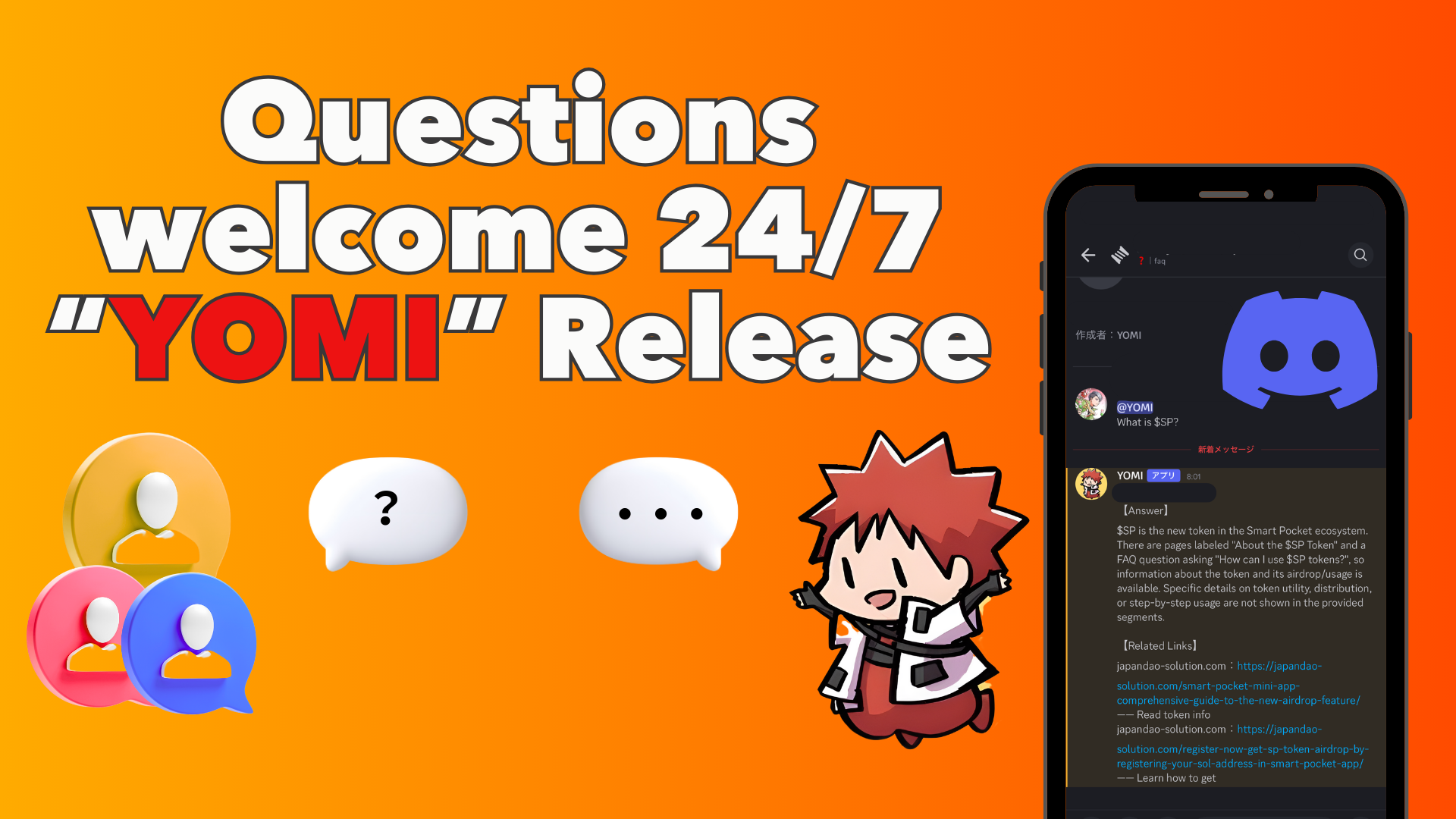
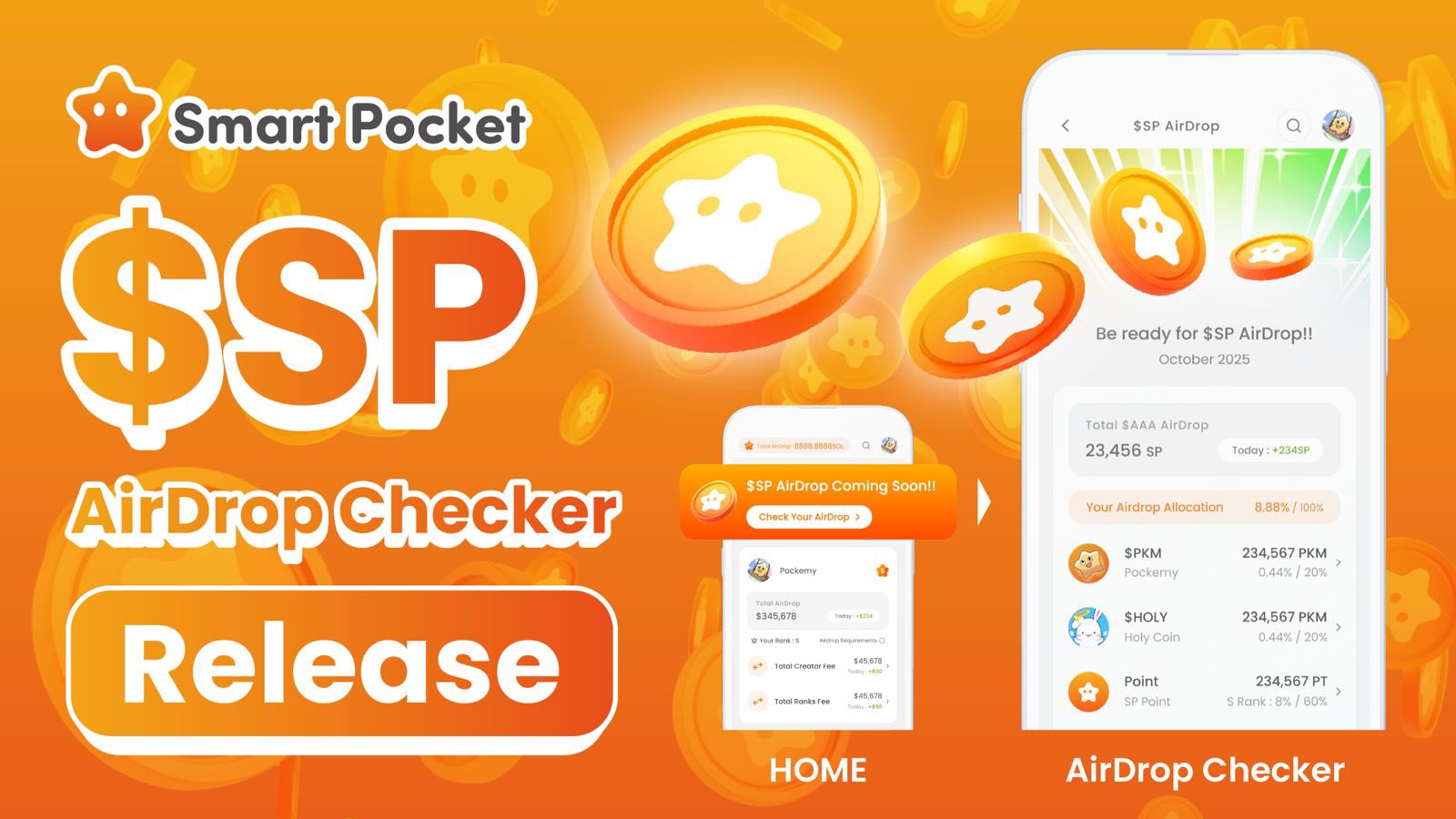
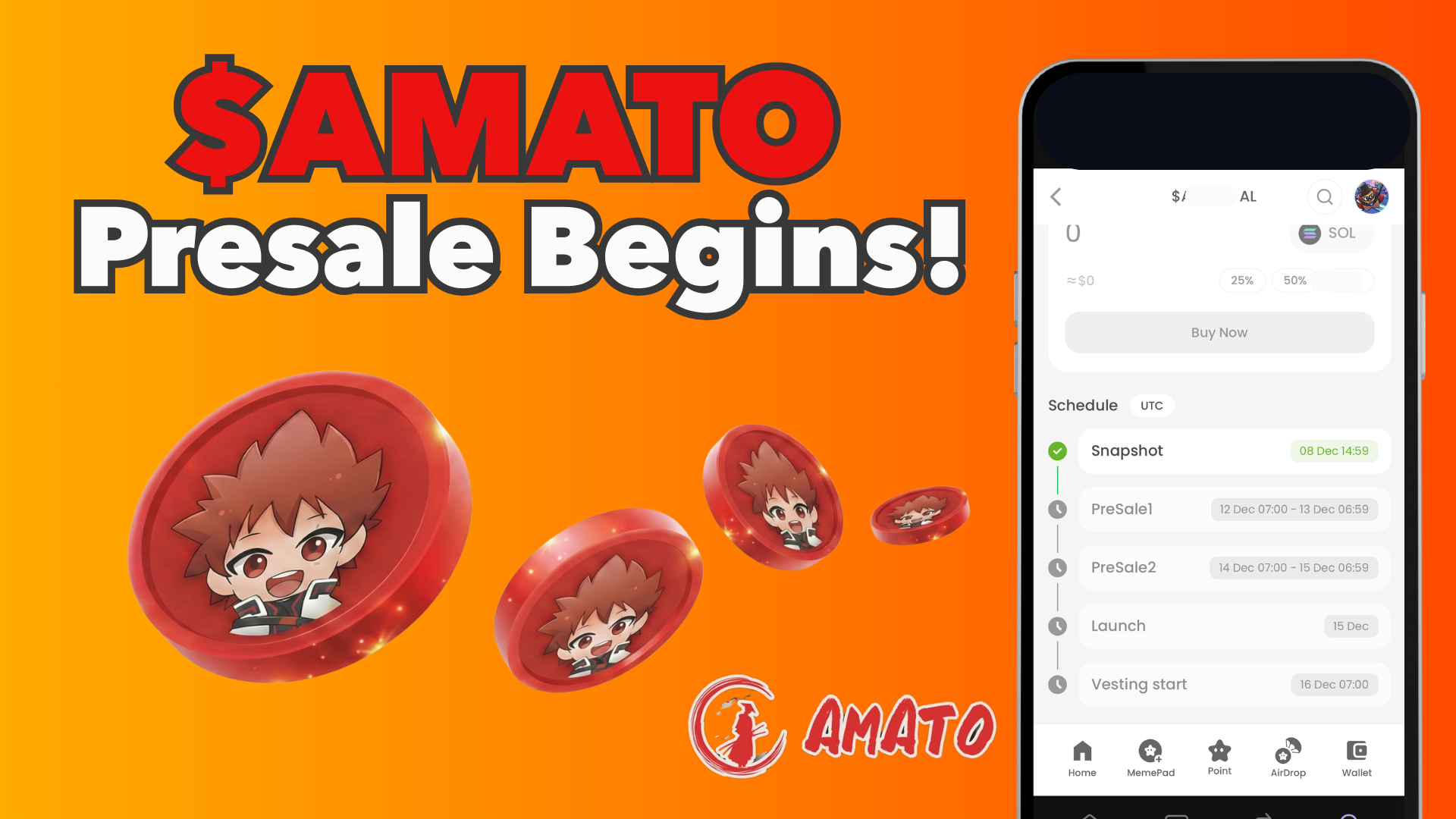
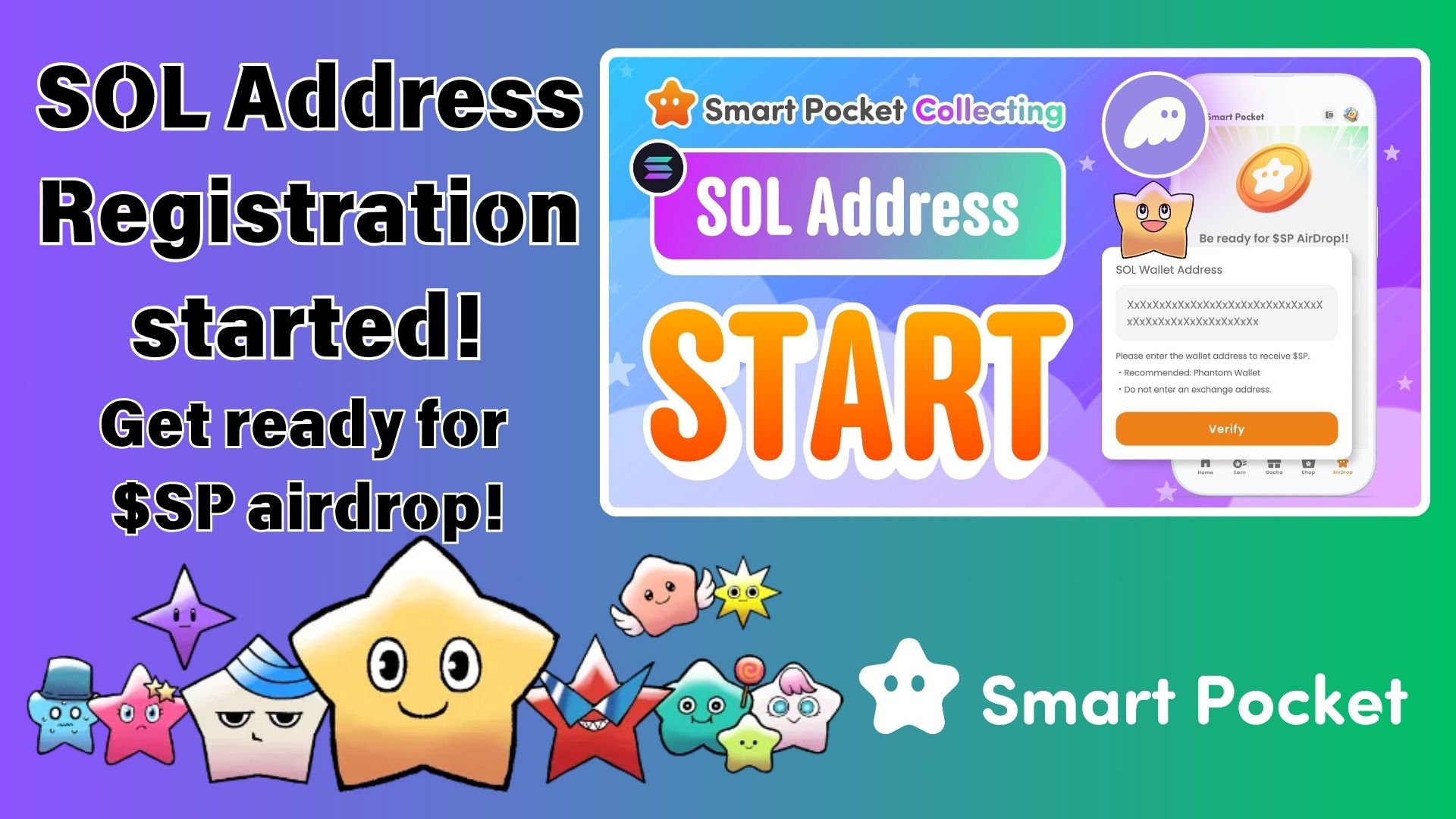
24/7 Questions Welcome! Navigation AI “YOMI” Released
JAPANDAOSolution
Smart Pocket Magazine
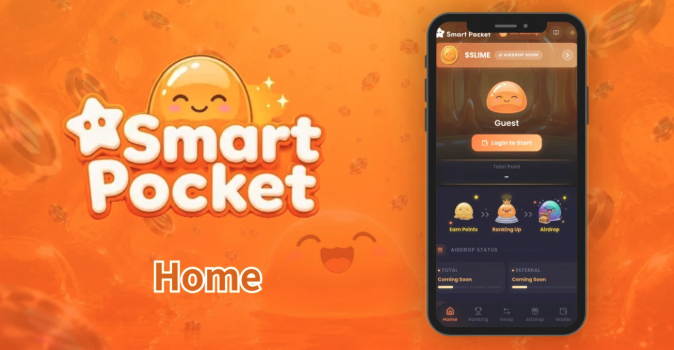
Solana-based Smart Pocket has evolved into a completely new experience.
Smart Pocket is a “Slime Growth × Point Airdrop” app running on Solana. Points earned through Cheer Swap and tasks contribute to rankings and lead to $SLIME rewards. Supporting the entire ecosystem is the $SP token, which is currently circulating on Solana.
In this article, we’ll guide the community through the structure and usage of the Smart Pocket Home screen — the starting point of the entire experience.
At the very top of the page, a “$SLIME AIRDROP SOON” banner is displayed. Tapping it will take you to the AirDrop page, where you can check the current distribution status of the $SLIME token.

Below the banner, a personalized slime image for the logged-in user is displayed in the center of the screen.

The system that turns your wallet into a character is one of the core design concepts representing the Smart Pocket world.
Logging in is very simple. In addition to using a Phantom wallet, you can also log in using accounts such as Google, X, Discord, or Apple.

スライムの真下には、Total Point と 現在の順位が表示されます。
Directly below your slime, your Total Points and current ranking are displayed.

This section gives you a sense of the scale of the Smart Pocket community, with more than 280,000 users already participating.
In the center of the screen, a loop diagram illustrated with three slime characters is displayed.

Instead of explaining the system only through text, Smart Pocket visually communicates its core gameplay loop using the three slime illustrations.
Even first-time users can intuitively understand the overall flow of the platform at a glance.
Below that are two cards displaying the current AirDrop status.。

The platform-wide progress toward overall point goals is visualized through these progress bars.
The POINT GET section, which can be considered the core of Smart Pocket, contains four tabs for earning points.

Through Cheer Swap token trading, you can earn 1 PT for every $1 swapped.
The lower half of the section displays a full token list table, including:

Currently listed tokens include $SP, $PKM, $AMATO, $HOLY, Solana, USDC, USDT, HYPE, cbBTC, and ZEC.
Clicking on any token immediately takes you to the Cheer Swap screen.

A source filter system is also included, allowing users to choose between Smart Pocket Picks, Pump.fun, LetsBonk, Moonshot, Meteora, and BAGS.
This makes it possible to view trends across various Solana-based launchpads in one place.
Purchasing Items not only grants the Item itself, but also rewards points at the same time.
For users with limited starting funds or those who want to avoid high swap risks, this is a lower-risk method for accumulating points quickly.
Since purchases require USDC, users without USDC should first click “Charge” to perform a swap.

Purchase Steps

SNS tasks such as following on X, joining Discord, and daily check-ins reward 1 PT per completed task.。

Smart Perp (Perpetual Futures) is currently under development.

By understanding the four core systems — Swap, Item, Task, and Perp — users can participate in and interact with the $SLIME ecosystem in multiple ways that match their own style.
Jupiter, Raydium, Orca, and PumpSwap are all excellent DEX platforms available within the Solana ecosystem.
What fundamentally differentiates Smart Pocket from other DEXs is that your swap activity is permanently recorded on-chain and converted into points.
Your swap history itself functions as proof of eligibility for $SLIME rewards.This is the biggest differentiating feature of the Smart Pocket.
The Home screen is the central hub where all participation paths within Smart Pocket come together.
Even a single Cheer Swap guarantees progress for your slime.Start by opening the Home screen, choose a token that interests you, and begin your first support swap.Your journey toward $SLIME begins here.