Smart Pocket App Complete Guide to the Frens Feature
JAPANDAOSolution
Smart Pocket Magazine
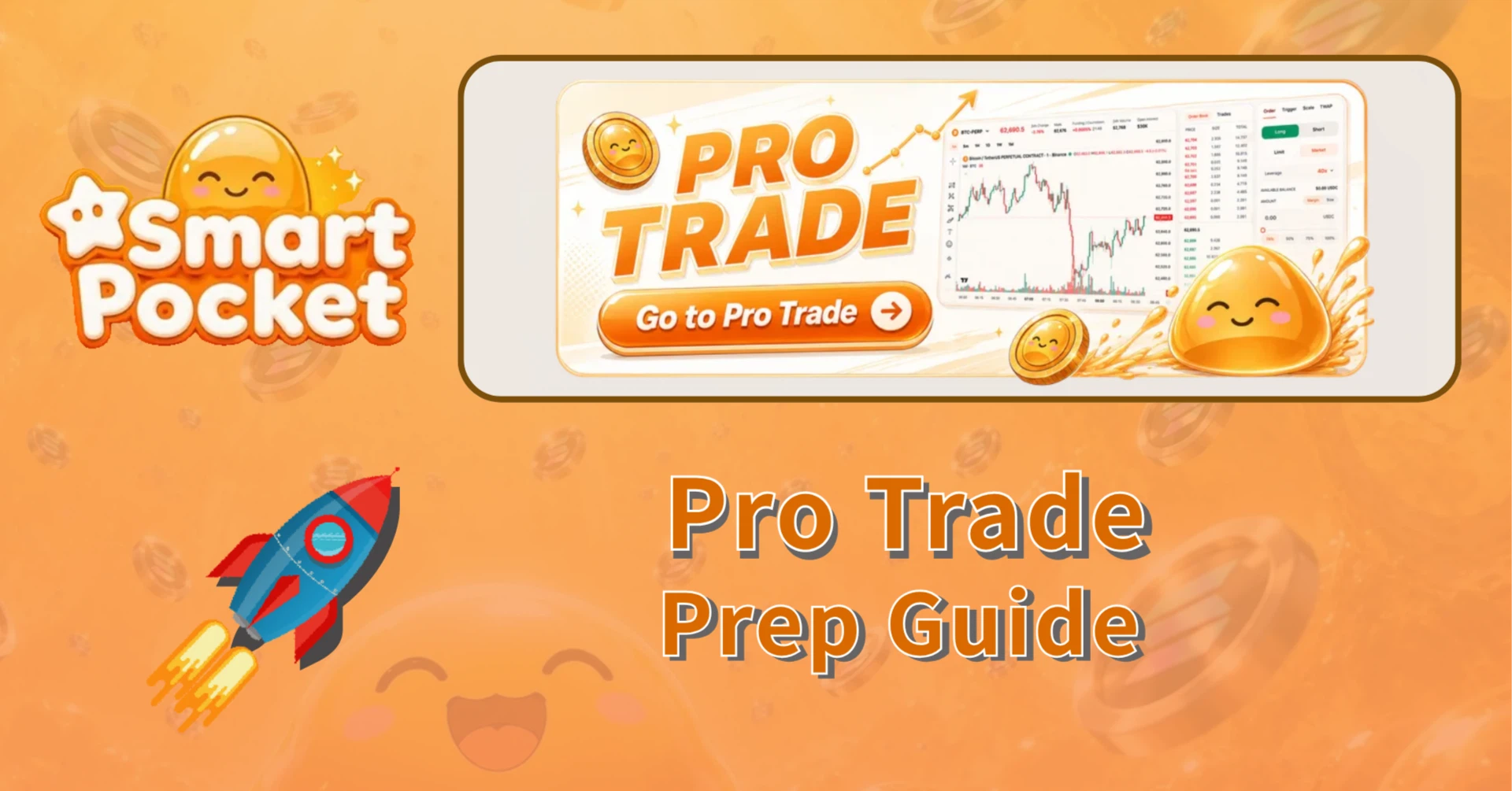
A new “Trade” tab has been added to the left menu of Smart Pocket (SmaPoke).
Open it, and you’ll find that it is divided into two trading modes. One is the familiar “Rocket Trade,” designed for quick, game-like trading. The other is the main highlight this time: “Pro Trade,” a professional-grade mode equipped with an order book and full-featured charts.
Whether you want to casually enjoy predicting market direction or take a more serious approach by analyzing charts and the order book, you can now choose the style that fits you best within the same SmaPoke platform. In this article, we’ll introduce the new Trade tab by focusing on the differences between these two modes.
The new Trade tab serves as the main entry point for Smart Pocket’s trading features. When you expand the menu, you’ll see two modes listed side by side.

Both modes share the same core concept: perpetual futures trading, where users take positions based on whether the price moves up or down. The key difference lies in the visual design and the depth of operation. You can engage with the same market in either a casual or a professional way, depending on your trading style.
First, let’s look at the entry-level mode: Rocket Trade. This is Smart Pocket’s familiar, pop-style trading screen that has been available since before.

For those who feel that complex order books and charts are still intimidating, Rocket Trade is the perfect place to start. With the simplicity of just choosing a direction, you can get a feel for perpetual futures trading in an easy and approachable way.
For detailed instructions on how to use Rocket Trade (Rocket Perp), including supported assets, the PT system, and how to get started, please refer to our separate full guide. Be sure to check it out as well.
The new highlight this time is Pro Trade. At first glance, you can immediately tell that it features the layout of a full-fledged derivatives exchange. A professional-grade trading environment has now been added directly inside SmaPoke.

The Pro Trade screen is mainly composed of three key areas.
In short, everything you need for serious trading is contained on a single screen: view the price, read the order book, place orders, and manage positions.
The biggest evolution of Pro Trade is the wide range of order types available. You can switch between them using the tabs at the top of the order panel.
In addition, everything can be completed within a single panel: Long / Short, leverage of up to 40x, margin amount settings through Margin / Size, quick input options such as 25% / 50% / 75% / Max, and TAKE PROFIT / STOP LOSS, which allows you to set profit-taking and stop-loss levels by price or percentage at the same time.
Before placing an order, the panel displays Position Size, Order Value, Est. Liq Price — the estimated liquidation price — and Est. Fees, allowing you to check the risks before submitting your trade.
You can switch markets by clicking the market name in the upper-left corner of the screen, such as “BTC-PERP,” and selecting “Select Market.” The available lineup at the time of writing is as follows:

The platform currently starts with two markets: BTC and ETH. SOL, HYPE, XRP, and DOGE are marked as “Soon” and are expected to be released gradually.
Despite offering a full-featured order book, trading fees remain relatively low. This mode is designed for traders who want to keep costs down while trading aggressively.
The two modes are not in competition with each other; they serve different purposes. You can switch between them depending on your mood and experience level.
“Start with Rocket, then move on to Pro once you’re comfortable” — that kind of step-by-step progression can be completed entirely within the same SmaPoke ecosystem.
One of SmaPoke’s biggest appeals is that the more you take action, the more you participate in the ecosystem. The Trade feature is part of that experience.
Read more about referrals here.
Smart Pocket Referral Program — Refer Friends, Earn Up to 50%, Paid Directly in $SOL|Smart Pocket MagazineThe long-awaited referral (affiliate) program is now officialjapandao-solution.com
It is not just about “trading.” Your trading activity can turn into points and rewards — and that is what makes trading on SmaPoke so interesting.
*Eligible actions and conditions for earning points may be subject to change. Please be sure to check the latest reward rules through official sources.
The new Trade tab has taken the SmaPoke trading experience to the next level.
Whether you prefer casual trading or a more advanced approach, the choice is yours. Start by opening the Trade tab and trying the mode that best fits your style.
This article is provided for informational purposes only and does not constitute investment advice or a recommendation of any specific asset or trade.
Perpetual trading with leverage is a high-risk activity. Due to price fluctuations, losses may exceed your margin within a short period of time, potentially resulting in liquidation.
Specifications such as leverage levels, fees, supported markets, and point rewards may change without prior notice. The content of this article and any potential profits are not guaranteed.
Before trading, please be sure to check the latest official information yourself, trade only with funds you can afford to lose, and make your own decisions at your own risk.
If you’re about to start using Smapocke, registering through the invitation link below is the best deal. By starting through this link, both the referrer and the invited user can receive benefits.
👉 Invitation link:
https://smapocke.com/ref/A6MF846K
Start by registering through the link, then make your trading debut from the Trade tab, and begin your Smapocke points and airdrop journey.
📢 Official Links