Smart Pocket AirDrop Page Guide — Two Routes to Receive $SLIME
JAPANDAOSolution
Smart Pocket Magazine
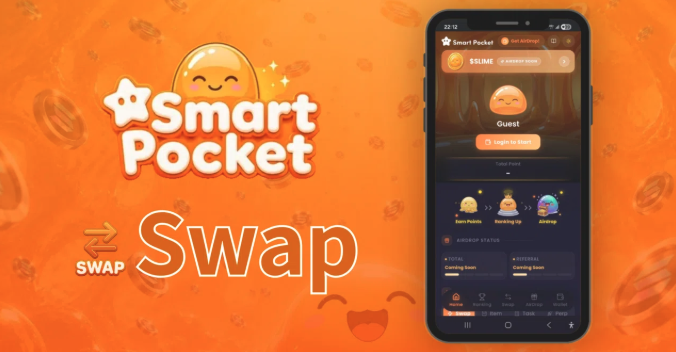
The slogan of Smart Pocket is “Cheer Swap on Solana.” Simply swapping tokens permanently records support points on the blockchain, which accumulate as eligibility for future $SLIME airdrop rewards. This is the core concept behind the new Smart Pocket.
At the center of this experience is the Swap tab.
In this article, we’ll guide the community through the Cheer Swap interface, how to use it, the Auto Switch and fee systems, and the key features that differentiate it from other DEX platforms.
Cheer Swap is a DEX aggregator built on the Solana ecosystem.
Like Jupiter, it searches across multiple decentralized exchanges to find the best available swap routes. Its key differentiator is that points are automatically accumulated based on your swap activity.
“Your everyday swaps become future rewards.”
That idea is the essence behind the name Cheer Swap.
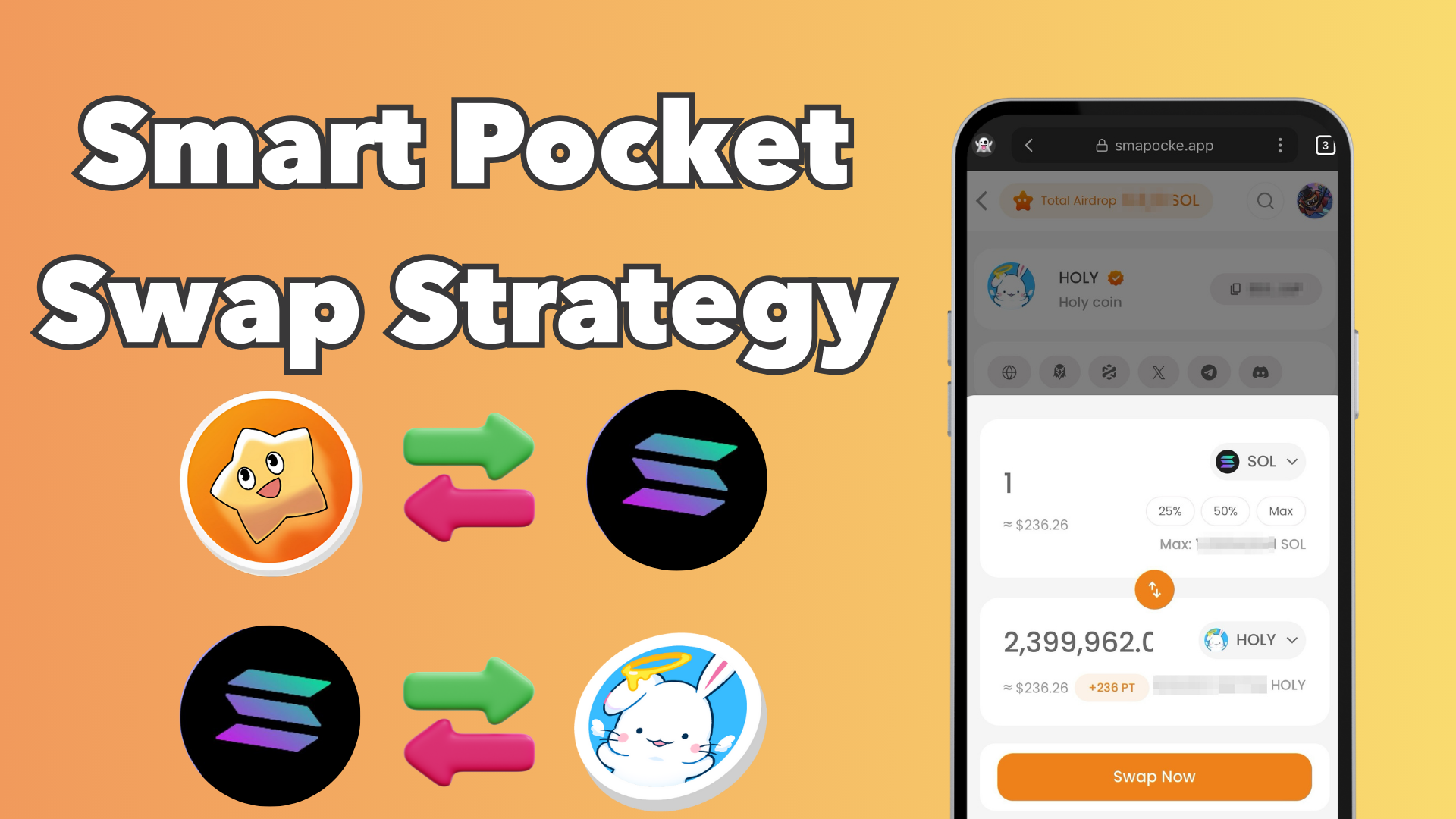
The Swap screen is designed with a simple three-section layout.。

The token and amount you want to spend.
The token you want to receive.

A toggle button (↕ icon) that switches the Pay and Receive tokens.
The intuitive layout makes Cheer Swap easy to use, even for users unfamiliar with DEX interfaces.
Below the Pay section, four quick amount buttons are available.

Whether you want to make a small test swap or commit your full balance, these buttons allow you to set the amount with a single tap.
The Cheer Swap screen includes a toggle feature called Auto Switch.


You can also view a detailed explanation of this feature by clicking the “What is Auto Switch?” help icon.
Smart Pocket’s point system is designed to be extremely simple.

For example:
The system becomes even more rewarding when you use BOOST-eligible tokens.
Swapping Smart Pocket Ecosystem Tokens such as $SP, $PKM, $AMATO, and $HOLY grants a 1.5× point multiplier.
The “TOTAL +○ PT” counter displayed in the center of the Swap screen provides a real-time preview of the points you will earn from the current swap.
The official message is: “Same Swap. Different Outcome.”
The idea is that even when swapping the same tokens, what remains after the transaction depends on which DEX you use.

If you make 100 swaps on other DEXs, all that remains is your trading history.
But if you make 100 swaps on Smart Pocket, those swaps accumulate into your eligibility for $SLIME rewards, allowing you to build long-term value with every transaction.
SmaPoke points are recorded on the Solana blockchain, not in a company’s private database. This structure provides three key guarantees:
“Your effort stays with you.”
That is the true value of on-chain records.
Before executing a swap, it’s important to understand the three fee components involved:
Smart Pocket utilizes Jupiter routing, allowing users to access competitive swap rates without having to manually compare individual DEXs. The 1% platform fee helps fund future airdrops and serves as a source of rewards for $SLIME distribution.
As for the swap button, it changes depending on your login status:
The typical swap flow, as outlined in the official guide, is as follows:

1. Tap the Swap tab at the bottom of the home screen.
2. Under Pay, select the token and amount you want to swap. Tokens marked with a ×1.5 PT badge are displayed with higher visibility.

3. Under Receive, select the token you want to receive. Keeping Auto Switch turned ON is recommended.
4. Check the “TOTAL +○ PT” display to see how many points you will earn from the swap.

5. Review the exchange rate and fees, then tap the Cheer Swap button.
6. Approve the transaction in your wallet.
Once the transaction is completed, the earned points are typically reflected in your Total Points balance within a few seconds to a few minutes.
The Cheer Swap screen serves as the core hub for both point accumulation and community support within the new Smart Pocket ecosystem.
Key features include:
One of the most effective strategies for climbing the rankings in a short period is to repeatedly swap BOOST-eligible tokens, maximizing point accumulation efficiency.
The Smart Pocket loop can be summarized as:
Swap tokens you want to support → Earn points → Grow your Slime → Receive $SLIME rewards
Everything begins with Cheer Swap. Start with a small swap, experience the process firsthand, and begin building your on-chain history.